
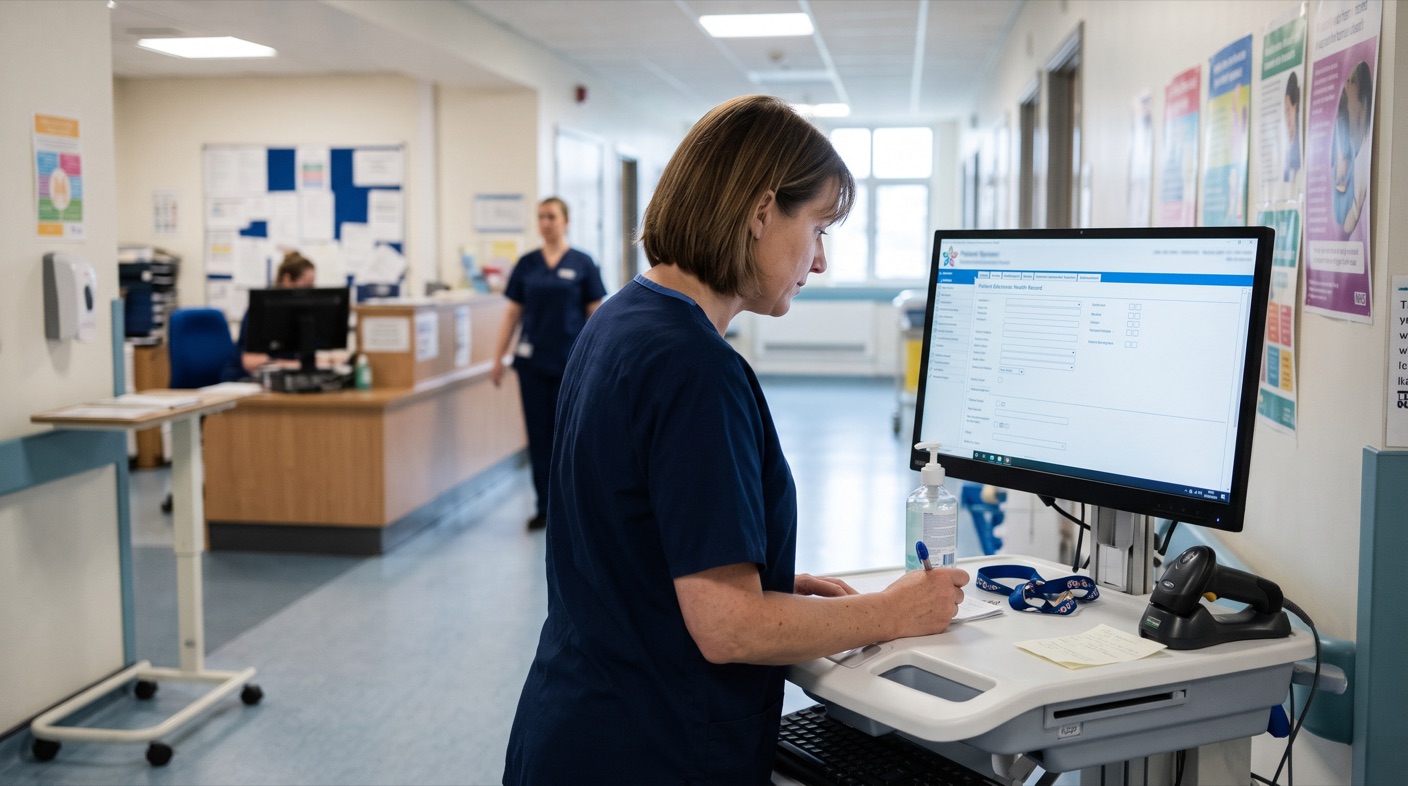
Maternity risk flags only help if clinicians can see them when they need them. In many systems, finding out whether a mother or pregnancy carries risk means leaving the screen you are working on and searching through the record. MiRecord’s Risk Flower removes that step. It places maternity risk flags in the patient information banner, so a mother’s risk status can be read in a moment.
What Are Maternity Risk Flags?
Maternity risk flags are the risk factors recorded in a mother’s record. They can come from her medical history, her social circumstances, previous pregnancies or the pregnancy she is in now. Each one matters on its own, but they are often entered in different parts of the record, at different appointments, by different people. That is what makes them easy to miss.
Why Early Risk Identification Matters
National guidance places risk assessment at the centre of antenatal care. NICE’s quality standard on antenatal risk assessment says pregnant women should have a risk assessment at routine antenatal appointments, not only at booking. Its stated rationale is that spotting medical, genetic, social and emotional risk factors early allows additional specialist management and support to be arranged.
That puts a practical demand on the record. A risk factor has to be captured, and it also has to stay visible to every clinician who sees the mother afterwards.
The Problem With Risk Flags That Are Hard to See
A risk factor that has been recorded but not noticed does little good. When clinicians have to navigate away from their current screen to check for risk, the check takes time and depends on remembering to do it. The more places a record has to be searched, the more likely something is overlooked, especially across a pregnancy that passes through several teams.
How the Risk Flower Displays Maternity Risk Flags
The Risk Flower is a visual feature in MiRecord’s patient information banner. It lets clinicians identify the risk status of a mother or pregnancy quickly and easily, without leaving the screen they are on.
The flower has five petals, and each one represents a key area of risk:
- Medical
- Social
- Bereavement
- Obstetric history
- Current pregnancy
When a risk is recorded in one of these areas, the matching petal is highlighted. A clinician can see whether risk is present, and in which areas, with a single look at the banner.
Five Areas, One Overview
Splitting risk into five petals does two jobs. It shows that risk exists, and it shows where the risk sits. A mother with a highlighted medical petal and a highlighted social petal presents a different picture from one with only a highlighted current pregnancy petal, and the clinician can see that difference before opening a single page.
The five areas also mirror how risk is built up across a pregnancy. Some risk comes from what has already happened, such as obstetric history or bereavement. Some comes from the mother’s health or circumstances. Some only appears as the current pregnancy develops. Keeping them as separate petals means the overview reflects all of these at once.
Highlighted Automatically, With No Extra Admin
Petals are highlighted automatically, based on information already entered into the system. Clinicians do not complete an extra form, tick an additional box or maintain a separate risk summary. The overview appears without creating any additional tasks or administrative burden.
That matters in a setting where time is limited. A signal that depends on someone remembering to update it is only as reliable as that habit. One that draws on what has already been recorded stays in step with the record.
From Overview to Detail
A glance is only the starting point. Expanding the patient banner reveals further details about each identified risk, so a clinician who sees a highlighted petal can find out what sits behind it straight away.
Where required, hyperlinks take the user back to the original data entry page, so the underlying information can be reviewed in greater detail. The overview and the source data stay connected, and nobody has to hunt for where a risk was first recorded.
Why a Visual Signal Works
A list of risk factors has to be read. A highlighted petal can be seen. Because the Risk Flower sits in the patient information banner, it appears alongside the details a clinician already looks for first, such as name, date of birth and hospital number. The risk picture arrives with the patient’s identity, not after a separate search for it.
Part of a Structured Maternity Record
The Risk Flower works because MiRecord holds risk information in a structured, consistent format in the first place. Petals can only highlight automatically when the data behind them is recorded in a way the system can recognise. The flower is the visible end of that structure: the part a clinician sees first, and the way into everything behind it.
To see how structure supports earlier risk identification across a whole pregnancy, read our article on how structured maternity records help catch risk earlier.
It also fits the direction of national maternity policy. NHS England’s Maternity Transformation Programme includes work on sharing data and harnessing technology, with the aim of safer, more personalised maternity care.
Frequently Asked Questions
What is the MiRecord Risk Flower?
It is a visual feature in the patient information banner that shows the risk status of a mother or pregnancy at a glance, without the clinician leaving their current screen.
Which areas of risk does it cover?
Five: medical, social, bereavement, obstetric history and current pregnancy.
Do clinicians have to update the Risk Flower manually?
No. Petals are highlighted automatically from information already entered in the system, so it creates no additional tasks.
Can a clinician see more detail behind a highlighted petal?
Yes. Expanding the patient banner shows further details about each identified risk, and hyperlinks lead back to the original data entry page where needed.
See the Risk Flower in MiRecord
Discover how MiRecord supports earlier risk identification at mirecord.net.